 Overedge
When the camera sees a vehicle at the gate, the gate opens.
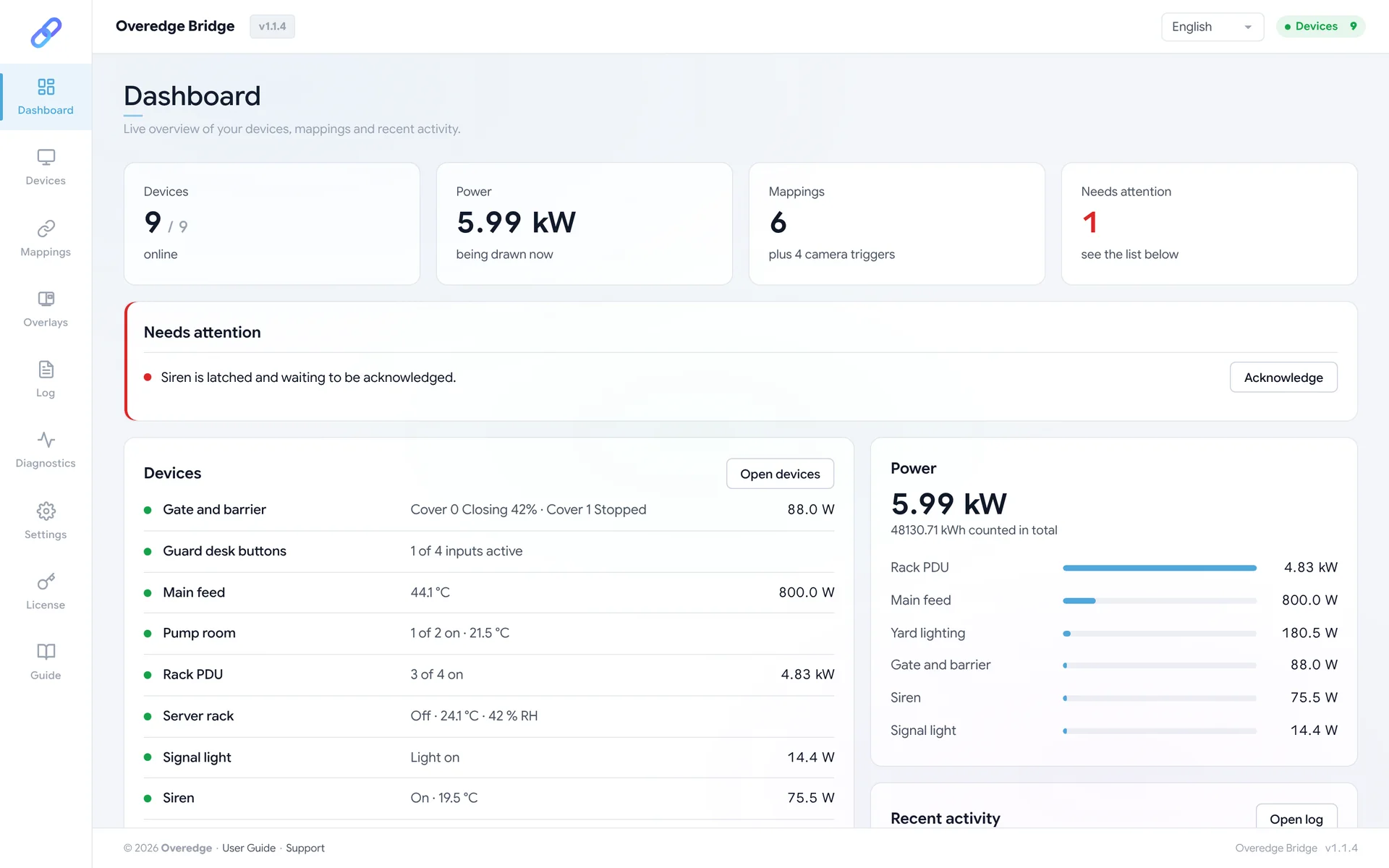
Overedge Bridge is an app that runs on your Axis camera. You write rules like this one, and it makes relays, gates and lights act on what the camera sees.
Illustration of a camera picture. The banner, the two tags and the status line are what Bridge draws into the video, live and in recordings.
What Bridge does
- Acts on camera events
- Motion, an analytics scenario, a line crossed, an input on the camera: any event the camera raises can switch a relay, open or close a gate or blind, or turn a light on at the brightness and colour you choose. It can follow the event, hold for a set time, pulse, or stay on until a person acknowledges it.
- Turns devices into camera events
- A door contact closing, a gate that has opened, a temperature above 30 °C, power draw that drops to zero. Bridge raises a camera event, and the camera's own rules decide what follows: record, move to a preset, notify someone.
- Shows it in the video
- A status line, live readings pinned to places in the picture, a banner when a rule acts, and a red bar while an alarm waits to be acknowledged. Whoever watches the stream sees what the site is doing without opening another system.
- Finds devices for you
- One scan of the network lists the devices Bridge can work with. Add them with a click, and control them from a card: switches, inputs, covers, lights, sensors and energy readings in one place.